Touch Panel Technology for LCD and Other Displays
Start here: Watch the introduction
Meet Diggy Breiling and explore touch sensing, display integration and technology selection for real applications.
Touch Panel Technology for LCD and Other Displays
From sensing principles to an integrated touch display
Learn how touch systems work, compare the benefits and compromises of the major sensing technologies, and connect the physics to displays, controllers, drivers, HID interfaces and demanding applications.
Start with the introduction with Diggy Breiling, then preview Chapters 1–11. Sign in and enroll to continue through display integration, application requirements and custom-product development. Basic voltage, current and wavelength concepts help; no touch-controller design experience is assumed.
Five course sections
- Foundations — Chapters 1–2: the display and touch system, the input chain, benefits, compromises and technology selection.
- Sensing technologies — Chapters 3–11: resistive, surface capacitive, projected capacitive, infrared beam grids, optical sensing and ShadowSense™, surface acoustic wave, acoustic pulse and bending-wave sensing, pen digitizers, force sensing, haptics and touchless extensions.
- Integration — Chapters 12–15: LCD, OLED, microLED and other display architectures; optical and mechanical integration; controllers, drivers, USB HID and embedded interfaces; tuning, diagnostics and verification.
- Applications — Chapters 16–20: commercial and public-facing displays, industrial systems, aerospace and avionics including NVIS, military environments, and road, rail and working vehicles.
- Custom development — Chapters 21–22: working with FPD.DEV and Diggy Breiling, developing a product brief, comparing options and defending a verification plan.
Chapter 2 builds the selection vocabulary. Chapter 7 · Optical sensing and ShadowSense™ uses animated teaching graphics to explain emitters, sensors, moving shadows and multitouch. ShadowSense™ is a trademark of Baanto International Ltd.; the technology and related intellectual property belong to Baanto.
Designed for display, electrical, mechanical, embedded-software, systems and application engineers, as well as technical decision-makers. The course includes chapter reading, animated slide decks, collapsible narration scripts, chapter PDF downloads, glossary entries and supporting links.
Your instructor
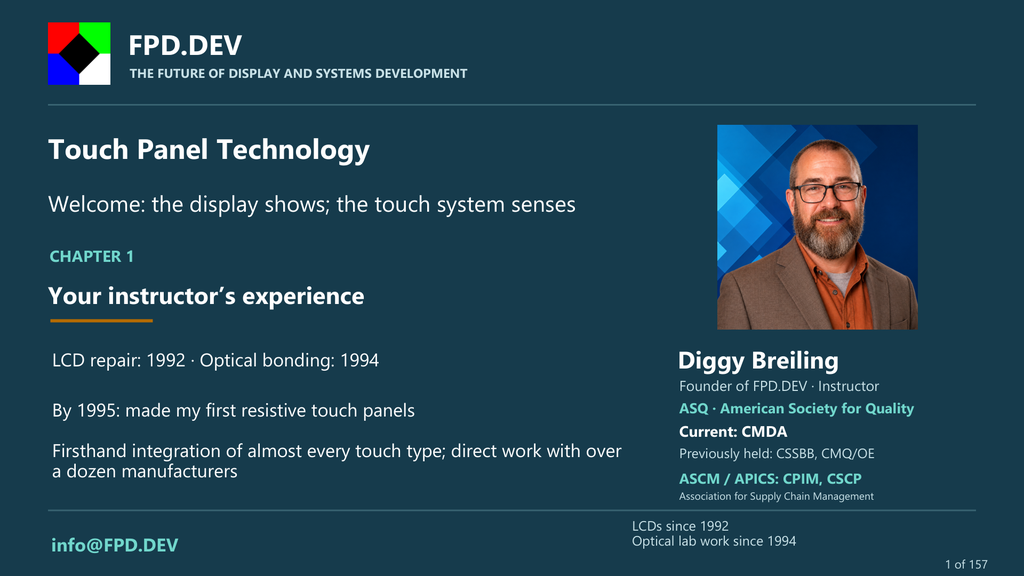
Diggy Breiling, founder of FPD.DEV, began repairing LCDs in 1992, optically bonding them in 1994, and making resistive touch panels by 1995. He has firsthand experience integrating almost every touch-panel type and has worked directly with more than a dozen touch-panel manufacturers, past and present.
Current edition and updates
Chapters 1, 2 and 7 include narrated videos. The other 19 chapters include animated slide decks marked Narration pending, with scripts and reading available now. This is a living course: content and referenced standards evolve. Enrolled learners will typically receive notification when chapter content is updated, so please sign in and enroll.
Related FPD.DEV courses
- Platinum Cure Optical Bonding Silicone for LCD Displays — Front covers, bonding materials, optical performance and assembly.
- Display Optical Testing: Contrast, Reflection & Ambient Performance — Measurement geometry, contrast, reflection and reporting.
- Optical Oracle™: Optical Enhancements & Sunlight Viewability — Optical enhancement comparisons and sunlight-viewability modeling.
- DO-160 Display Qualification: Components, Systems and Installation — Environmental qualification planning for the complete installed display.
Follow each course’s current access and development-edition notices. Course completion does not establish product qualification.
Have a display or embedded-platform design question? Contact FPD.DEV. If you need a subject matter expert, Colabmo may be able to connect you with one.
FPD.DEV — The Future of Display and Systems Development.