Ir al contenido
FPD.DEV FPD.DEVEl futuro del desarrollo de pantallas y sistemas
  • Servicios
  • Productos
  • Formación
  • Colaboradores
  • Vídeos
  • Programar una consulta gratuita
  • Identificarse
  • 0
  • 0
  • English (US)  Français  Deutsch  Español
FPD.DEV FPD.DEVEl futuro del desarrollo de pantallas y sistemas
  • 0
  • 0
    • Servicios
    • Productos
    • Formación
    • Colaboradores
    • Vídeos
  • English (US)  Français  Deutsch  Español
  • Identificarse
  • Programar una consulta gratuita
  1. Cursos
  2. Touch Panel Technology for LCD and Other Displays
Navegación
Inicio └Touch Panel Technology for LCD and Other Displays
Touch Panel Technology for LCD and Other Displays

Touch Panel Technology for LCD and Other Displays

Touch Panel Technology for LCD and Other Displays

From sensing principles to an integrated touch display

Learn how touch systems work, compare the benefits and compromises of the major sensing technologies, and connect the physics to displays, controllers, drivers, HID interfaces and demanding applications.

Start with the introduction with Diggy Breiling, then preview Chapters 1–11. Sign in and enroll to continue through display integration, application requirements and custom-product development. Basic voltage, current and wavelength concepts help; no touch-controller design experience is assumed.

Five course sections

  1. Foundations — Chapters 1–2: the display and touch system, the input chain, benefits, compromises and technology selection.
  2. Sensing technologies — Chapters 3–11: resistive, surface capacitive, projected capacitive, infrared beam grids, optical sensing and ShadowSense™, surface acoustic wave, acoustic pulse and bending-wave sensing, pen digitizers, force sensing, haptics and touchless extensions.
  3. Integration — Chapters 12–15: LCD, OLED, microLED and other display architectures; optical and mechanical integration; controllers, drivers, USB HID and embedded interfaces; tuning, diagnostics and verification.
  4. Applications — Chapters 16–20: commercial and public-facing displays, industrial systems, aerospace and avionics including NVIS, military environments, and road, rail and working vehicles.
  5. Custom development — Chapters 21–22: working with FPD.DEV and Diggy Breiling, developing a product brief, comparing options and defending a verification plan.

Chapter 2 builds the selection vocabulary. Chapter 7 · Optical sensing and ShadowSense™ uses animated teaching graphics to explain emitters, sensors, moving shadows and multitouch. ShadowSense™ is a trademark of Baanto International Ltd.; the technology and related intellectual property belong to Baanto.

Designed for display, electrical, mechanical, embedded-software, systems and application engineers, as well as technical decision-makers. The course includes chapter reading, animated slide decks, collapsible narration scripts, chapter PDF downloads, glossary entries and supporting links.

Your instructor

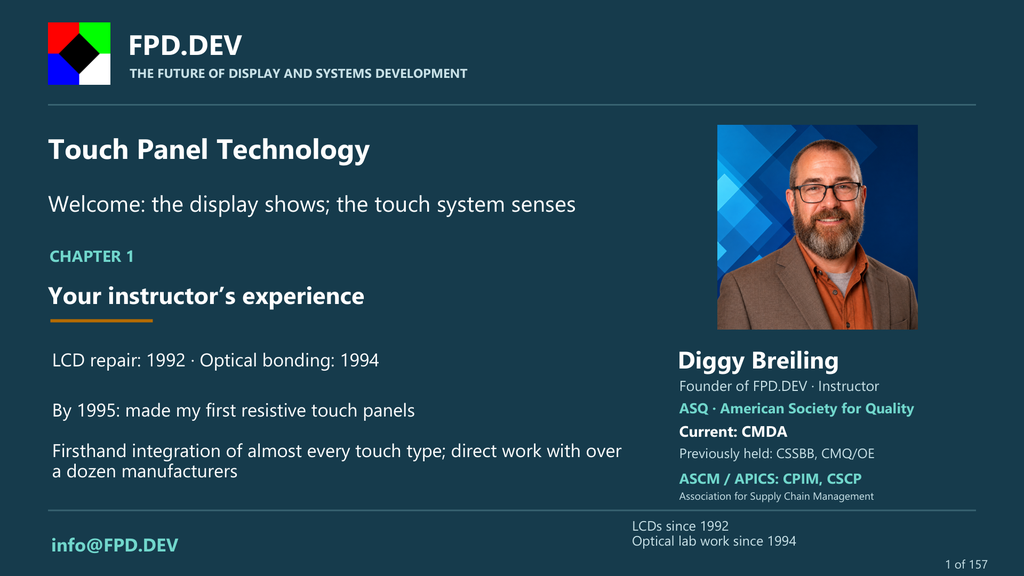
Diggy Breiling, founder of FPD.DEV, began repairing LCDs in 1992, optically bonding them in 1994, and making resistive touch panels by 1995. He has firsthand experience integrating almost every touch-panel type and has worked directly with more than a dozen touch-panel manufacturers, past and present.

Current edition and updates

Chapters 1, 2 and 7 include narrated videos. The other 19 chapters include animated slide decks marked Narration pending, with scripts and reading available now. This is a living course: content and referenced standards evolve. Enrolled learners will typically receive notification when chapter content is updated, so please sign in and enroll.

Related FPD.DEV courses

  • Platinum Cure Optical Bonding Silicone for LCD Displays — Front covers, bonding materials, optical performance and assembly.
  • Display Optical Testing: Contrast, Reflection & Ambient Performance — Measurement geometry, contrast, reflection and reporting.
  • Optical Oracle™: Optical Enhancements & Sunlight Viewability — Optical enhancement comparisons and sunlight-viewability modeling.
  • DO-160 Display Qualification: Components, Systems and Installation — Environmental qualification planning for the complete installed display.

Follow each course’s current access and development-edition notices. Course completion does not establish product qualification.

Have a display or embedded-platform design question? Contact FPD.DEV. If you need a subject matter expert, Colabmo may be able to connect you with one.

FPD.DEV — The Future of Display and Systems Development.

Unirse a este curso
Responsable Colabmo, Diggy Breiling.c
Última actualización 22/10/2026
Tiempo de finalización 10 minutos
Miembros 1
  • Curso
  • Reseñas
  • Foundations (vacío)
    2Lecciones ·
    • 1.1 Welcome: the display shows; the touch system senses
      Previsualizar Nuevo
    • 2.1 The simple comparison: benefits, compromises and selection
      Previsualizar Nuevo
  • Sensing technologies (vacío)
    9Lecciones · 10 min
    • 3.1 Resistive touch: a press becomes a voltage
      Previsualizar Nuevo
    • 4.1 Surface capacitive: current paths across a sheet
      Previsualizar Nuevo
    • 5.1 Projected capacitive: electric fields, electrodes and touch maps
      Previsualizar Nuevo
    • 6.1 Infrared beam grids: locating an interrupted path
      Previsualizar Nuevo
    • 7.1 Optical sensing and ShadowSense™: locating shadows
      Previsualizar Nuevo
    • 8.1 Surface acoustic wave: listening to a disturbance
      Previsualizar Nuevo
    • 9.1 Acoustic pulse and bending-wave sensing
      Previsualizar Nuevo
    • 10.1 Pen digitizers: EMR, active pens and passive styluses
      Previsualizar Nuevo
    • 11.1 Force sensing, haptics and touchless extensions
      Previsualizar Nuevo
  • Integration (vacío)
    4Lecciones ·
    • 12.1 LCD, OLED, microLED and other display architectures
      Nuevo
    • 13.1 Optical and mechanical integration
      Nuevo
    • 14.1 Controllers, drivers, USB HID and embedded interfaces
      Nuevo
    • 15.1 Tuning, diagnostics and meaningful verification
      Nuevo
  • Applications (vacío)
    5Lecciones ·
    • 16.1 Commercial and public-facing displays
      Nuevo
    • 17.1 Industrial systems: gloves, contamination and uptime
      Nuevo
    • 18.1 Aerospace, avionics and NVIS
      Nuevo
    • 19.1 Military displays and mission environments
      Nuevo
    • 20.1 Ground transport: road, rail and working vehicles
      Nuevo
  • Custom development (vacío)
    2Lecciones ·
    • 21.1 Custom products with FPD.DEV and Diggy Breiling
      Nuevo
    • 22.1 Capstone: specify, compare and verify
      Nuevo

Ingeniería de pantallas centrada en LCD Trabajamos principalmente con pantallas LCD, incluidas IPS, FFS, VA y otras tecnologías, con mejoras ópticas, integración táctil, retroiluminación y electrónica de soporte. También evaluamos otras tecnologías de visualización cuando se adaptan a la aplicación.

Explorar la óptica LCD con OpticalOracle™

Suscríbase al boletín de FPD.DEV

Reciba por correo electrónico artículos sobre ingeniería de pantallas y sistemas embebidos, información sobre IA en el borde, actualizaciones de herramientas y novedades de productos.

Thanks for registering!

Suscribirse

Al suscribirse, acepta recibir el boletín de FPD.DEV. Puede darse de baja en cualquier momento. Consulte nuestra Política de privacidad.


FPD.DEV
El futuro del desarrollo de pantallas y sistemas

  • Contáctenos


  • Política de privacidad


Contáctenos

Operado por Colabmo · Calidad, operaciones y Soporte ERP.


Política de cookies

Copyright © 2026 Colabmo
Powered by Colabmo
Con tecnología de Colabmo

Essential cookies support website functions. With your permission, Google Analytics measures visits and Microsoft Clarity records masked interactions, heatmaps and session replays on approved public pages. Optional embedded features may also contact their providers. These providers receive usage and device data; Microsoft may use data for its own purposes, including advertising. You can reject optional services and change your choice later. Política de CookiesPrivacy Policy

Allow optional cookies Only essential cookiesManage choices